
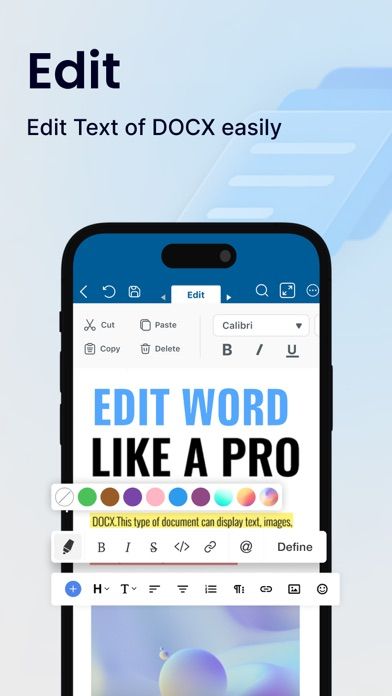
Word Editor is a mobile document app for working with Word, spreadsheet, presentation, and PDF files on an iPhone or iPad. The listing describes editing text and formatting, creating or updating spreadsheets, adjusting presentations, and using AI-assisted features. Premium unlocks document creation, editing, saving, conversion, export, and sharing, with trial offers described in the listing. Check the current trial duration, price, and renewal terms before starting. Files can contain private or business information, so review where documents are processed and stored before using cloud or AI features. Compatibility and formatting may differ from desktop Office software; inspect a file after editing, especially before sending a final version or presenting it.
Word Editor: Edit Office Word
Edit Word documents, spreadsheets, presentations, and PDFs from an iPhone or iPad with mobile office tools.
Overview
A closer look at Word Editor: Edit Office Word.
A closer look
App screenshots
Choose with confidence
The useful details.
What it does
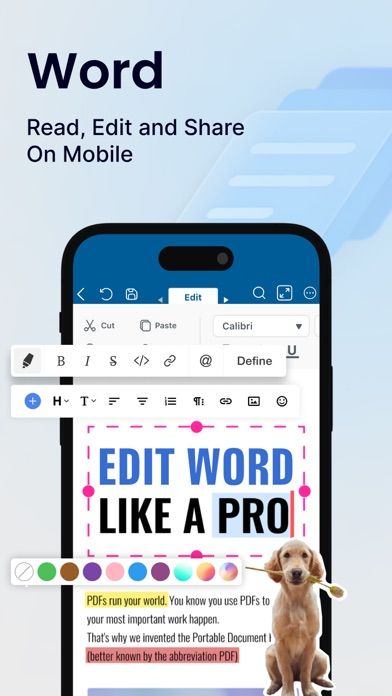
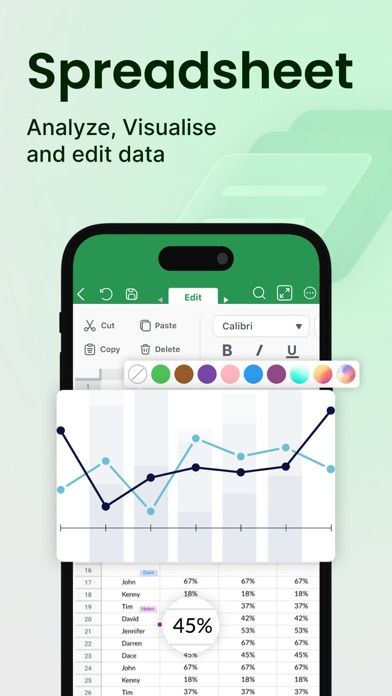
- Open and edit supported Word and spreadsheet files.
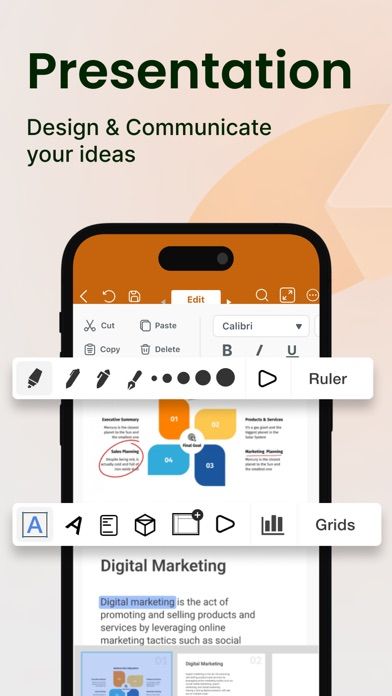
- Adjust presentation slides and work with PDFs.
- Use AI-assisted editing tools where available.
- Create, save, convert, export, and share files with Premium.
A good fit for
- People who need basic document edits while away from a computer.
Worth knowing
- Premium is needed for several file creation and export features.
- Review privacy, compatibility, and formatting before editing sensitive or final documents.
Frequently asked questions
Answers based on the app’s official listing and reviewed information.
What is Word Editor: Edit Office Word used for?
Edit Word documents, spreadsheets, presentations, and PDFs from an iPhone or iPad with mobile office tools.
What can you do with Word Editor: Edit Office Word?
Open and edit supported Word and spreadsheet files. Adjust presentation slides and work with PDFs. Use AI-assisted editing tools where available. Create, save, convert, export, and share files with Premium.
Who is Word Editor: Edit Office Word designed for?
People who need basic document edits while away from a computer.
What should you know before downloading Word Editor: Edit Office Word?
Premium is needed for several file creation and export features. Review privacy, compatibility, and formatting before editing sensitive or final documents.
Does Word Editor: Edit Office Word include paid features?
Premium subscriptions unlock document creation, editing, saving, conversion, export, and sharing. Check current price, trial length, and renewal terms.
Which platforms support Word Editor: Edit Office Word?
Greatooly's reviewed app information lists iOS.
Researched from official sources; this is not a hands-on review. Last checked 2026-11-03.
Keep exploring
More apps that might be a good fit.

Dreamy Room: AI Room Design
Dreamy Room uses a photo of a real room to generate AI interior concepts in styles, colors, and furnishing directions you can compare.

Roomture: AI Interior Design
Roomture redesigns interior, exterior and garden photos with AI, then lets users compare, refine and save design ideas.

Verde: AI Backyard Design Plan
Verde turns photos of gardens, balconies, and rooms into AI redesigns that account for existing structures and practical dimensions.