GreatoolyGreatooly
Mandalas Drawing Studio app icon

Mandalas Drawing Studio

Draw symmetrical mandala artwork with vector strokes, adjustable rotations, layers, and offline file support.

By Marco Antônio PompeiApp Store rating 4.7 (3,091)Official store informationPublished 2026/11/03Checked 2026-11-03

Overview

A closer look at Mandalas Drawing Studio.

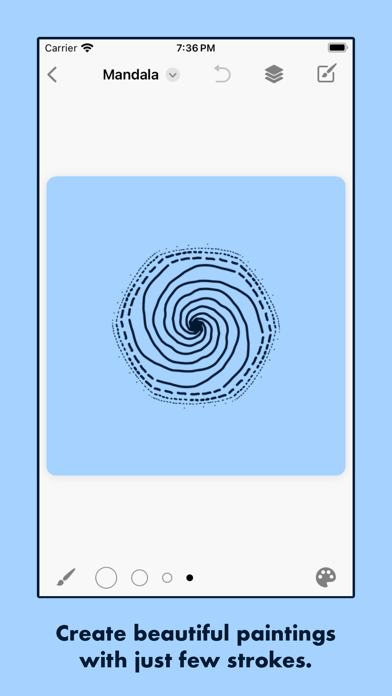
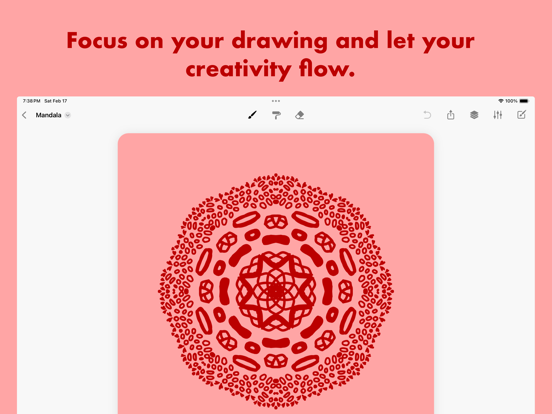
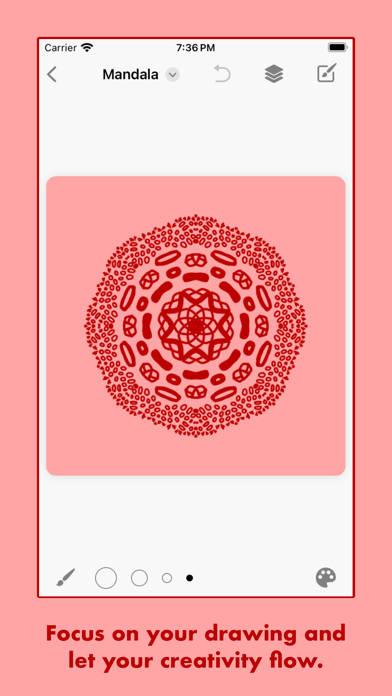
Mandalas: Drawing Studio turns each brush stroke into a repeated pattern around a central point. Users choose the number of rotations and can switch on mirror symmetry, while guides show the active axes. The app includes a brush, paint roller, eraser, color controls, adjustable line width, and canvas background options.

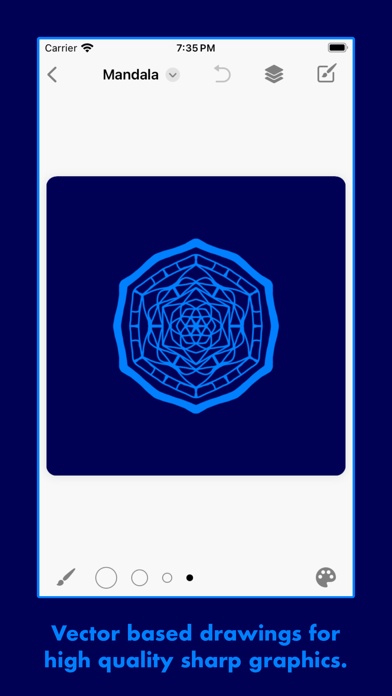
The listing describes vector artwork that can be exported as high-resolution images or SVG files. Drawing in layers, Apple Pencil hover preview, and Apple Pencil Pro tool shortcuts are also listed. Projects are stored in the Files app and iCloud Drive, and the developer says the app works offline without requiring an account.

The basic app is free of adverts and subscriptions. Premium features such as layers, high-definition export, and alternative icons are unlocked with a one-time purchase; confirm the current amount in the App Store. Apple Pencil features require compatible hardware. We have not tested export fidelity, file compatibility, or cross-device sync, so verify files in the intended design or cutting software before a deadline.
A closer look

App screenshots

Mandalas Drawing Studio official iOS screenshot 1Mandalas Drawing Studio official iOS screenshot 2Official iOS store screenshotOfficial iOS store screenshot

Choose with confidence

The useful details.

What it does

  • Repeat strokes into symmetrical mandala patterns with adjustable rotations
  • Use mirror mode, guides, color controls, and drawing tools
  • Create vector artwork and export SVG or high-resolution images
  • Save projects to Files or iCloud Drive and draw offline

A good fit for

  • People who want a focused iPhone or iPad tool for making symmetrical vector drawings

Worth knowing

  • Layers, high-definition export, and alternative icons require a one-time Premium purchase.
  • Some Apple Pencil features need compatible Apple Pencil hardware.
  • Check exported files in the destination software; compatibility and sync were not independently tested.

Frequently asked questions

Answers based on the app’s official listing and reviewed information.

What is Mandalas Drawing Studio used for?

Draw symmetrical mandala artwork with vector strokes, adjustable rotations, layers, and offline file support.

What can you do with Mandalas Drawing Studio?

Repeat strokes into symmetrical mandala patterns with adjustable rotations Use mirror mode, guides, color controls, and drawing tools Create vector artwork and export SVG or high-resolution images Save projects to Files or iCloud Drive and draw offline

Who is Mandalas Drawing Studio designed for?

People who want a focused iPhone or iPad tool for making symmetrical vector drawings

What should you know before downloading Mandalas Drawing Studio?

Layers, high-definition export, and alternative icons require a one-time Premium purchase. Some Apple Pencil features need compatible Apple Pencil hardware. Check exported files in the destination software; compatibility and sync were not independently tested.

Does Mandalas Drawing Studio include paid features?

The listing says premium features are unlocked by one one-time purchase, with no subscription. Current price was not stated.

Which platforms support Mandalas Drawing Studio?

Greatooly's reviewed app information lists iOS.

Researched from official sources; this is not a hands-on review. Last checked 2026-11-03.

Keep exploring

More apps that might be a good fit.

Dreamy Room: AI Room Design

Dreamy Room uses a photo of a real room to generate AI interior concepts in styles, colors, and furnishing directions you can compare.

Roomture: AI Interior Design

Roomture redesigns interior, exterior and garden photos with AI, then lets users compare, refine and save design ideas.

Verde: AI Backyard Design Plan

Verde turns photos of gardens, balconies, and rooms into AI redesigns that account for existing structures and practical dimensions.