GreatoolyGreatooly
Receipt Scanner: Easy Expense app icon

Receipt Scanner: Easy Expense

Scan receipts to extract details, organize business expenses, track mileage, prepare CSV reports, and sync records across devices; the app requires an active subscription.

By Easy Expense Tracker LLCApp Store rating 4.9 (2,534)Official store informationPublished 2026/11/03Checked 2026-11-03

Overview

A closer look at Receipt Scanner: Easy Expense.

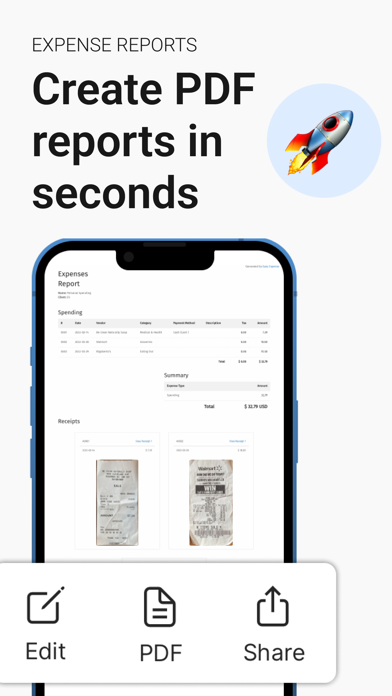
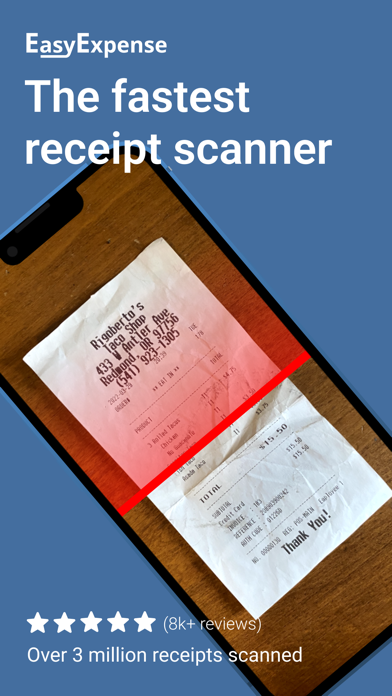
Easy Expense is a receipt and expense tracker aimed at contractors, consultants, and other self-employed workers. Its scanner crops receipt images and uses OCR to pull out details, then turns scans into expense records that can be grouped by category or project. The app also supports mileage logs and expense reports.

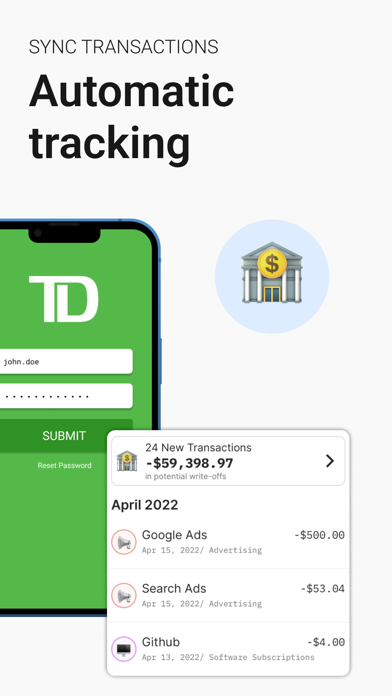
Records can be stored in an account and synced to the developer's servers, with CSV export for sharing a period's expenses with an accountant. Some listed features, including team tracking and bank linking, are described as premium.

Although the US App Store shows a free download, the listing says an active subscription is required to use the app. It does not state a current price in the material reviewed. Receipts and bank information can be sensitive, so check the developer's privacy terms and your organization's requirements before uploading them. We have not tested OCR accuracy or tax calculations.
A closer look

App screenshots

Receipt Scanner: Easy Expense official iOS screenshot 1Receipt Scanner: Easy Expense official iOS screenshot 2Official iOS store screenshotOfficial iOS store screenshot

Choose with confidence

The useful details.

What it does

  • Scan receipts and extract details using OCR
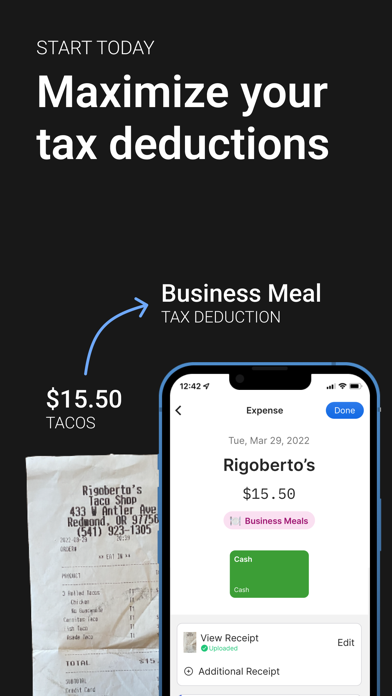
  • Organize expenses by category, project, or report
  • Track mileage and export expense data as CSV
  • Sync records to an account across devices

A good fit for

  • Self-employed workers who need receipt capture and expense reports for projects

Worth knowing

  • The listing says an active subscription is required, despite the free download price; verify the current cost before creating an account.
  • Receipt and expense records are uploaded to the developer's servers for sync; review the privacy policy before adding sensitive data.
  • OCR and mileage records should be checked before accounting or tax use.

Frequently asked questions

Answers based on the app’s official listing and reviewed information.

What is Receipt Scanner: Easy Expense used for?

Scan receipts to extract details, organize business expenses, track mileage, prepare CSV reports, and sync records across devices; the app requires an active subscription.

What can you do with Receipt Scanner: Easy Expense?

Scan receipts and extract details using OCR Organize expenses by category, project, or report Track mileage and export expense data as CSV Sync records to an account across devices

Who is Receipt Scanner: Easy Expense designed for?

Self-employed workers who need receipt capture and expense reports for projects

What should you know before downloading Receipt Scanner: Easy Expense?

The listing says an active subscription is required, despite the free download price; verify the current cost before creating an account. Receipt and expense records are uploaded to the developer's servers for sync; review the privacy policy before adding sensitive data. OCR and mileage records should be checked before accounting or tax use.

Does Receipt Scanner: Easy Expense include paid features?

An active subscription is required according to the official listing; current price and billing interval were not stated.

Which platforms support Receipt Scanner: Easy Expense?

Greatooly's reviewed app information lists iOS.

Researched from official sources; this is not a hands-on review. Last checked 2026-11-03.

Keep exploring

More apps that might be a good fit.

Budget Planner App: Tally

A personal budget app with voice expense entry, automatic category suggestions, spending limits, and charts.