
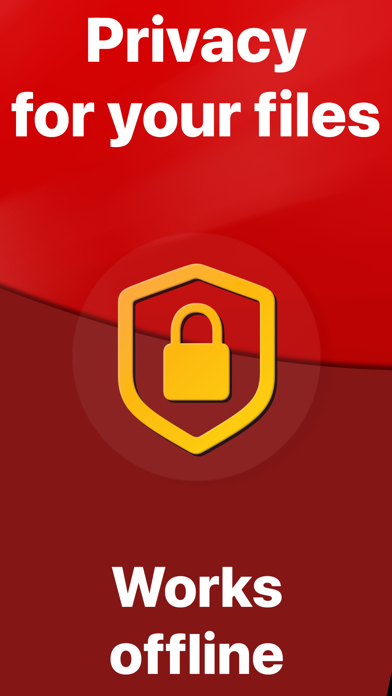
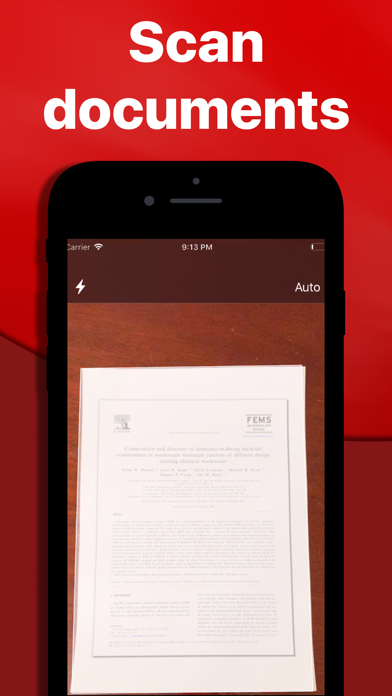
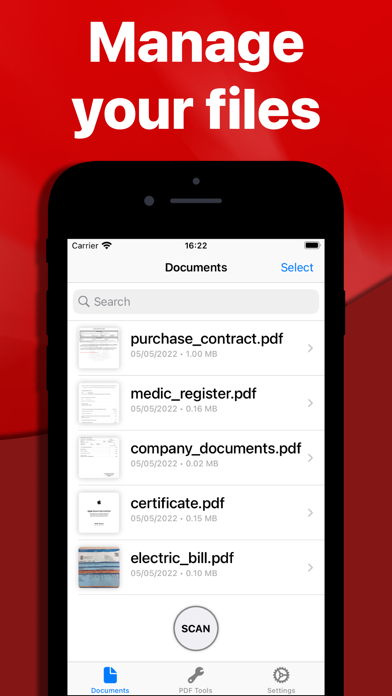
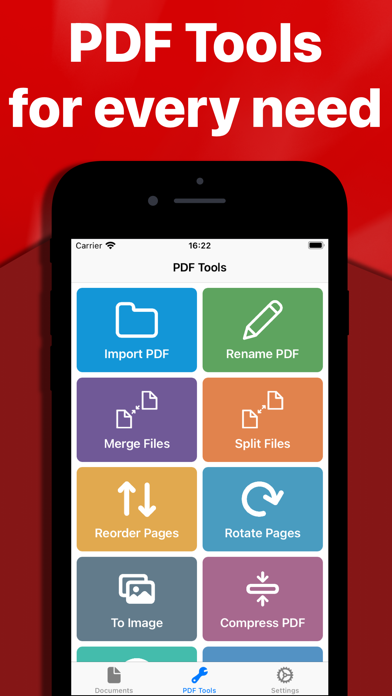
PDFMaker turns camera scans or selected images into PDF files and adds common document tools in one iOS app. The App Store listing describes renaming, merging, splitting, reordering, and rotating pages, along with OCR text extraction, compression, image export, web-page conversion, and password protection. The developer says processing is performed offline on the device, so documents are not sent to its servers. That is useful for receipts, forms, and simple paperwork, though users should still check iOS permissions and the app's current privacy details. OCR output can contain mistakes, and password protection should not replace an organization's approved document-security process. The listing does not clearly state which features, if any, require payment.
PDFMaker: JPG to PDF converter
Scan pages or images into PDFs, then merge, split, reorder, compress, convert, and protect documents.
Overview
A closer look at PDFMaker: JPG to PDF converter.
A closer look
App screenshots
Choose with confidence
The useful details.
What it does
- Create PDFs from camera scans or images in the photo library.
- Merge, split, rotate, and reorder PDF pages.
- Extract text with OCR and compress or export documents.
- Convert web pages to PDF and add password protection.
A good fit for
- People who need basic PDF scanning and page cleanup on an iPhone.
Worth knowing
- OCR results can contain errors and should be checked before sharing.
- Current paid features are not clearly described in the listing.
Frequently asked questions
Answers based on the app’s official listing and reviewed information.
What is PDFMaker: JPG to PDF converter used for?
Scan pages or images into PDFs, then merge, split, reorder, compress, convert, and protect documents.
What can you do with PDFMaker: JPG to PDF converter?
Create PDFs from camera scans or images in the photo library. Merge, split, rotate, and reorder PDF pages. Extract text with OCR and compress or export documents. Convert web pages to PDF and add password protection.
Who is PDFMaker: JPG to PDF converter designed for?
People who need basic PDF scanning and page cleanup on an iPhone.
What should you know before downloading PDFMaker: JPG to PDF converter?
OCR results can contain errors and should be checked before sharing. Current paid features are not clearly described in the listing.
Does PDFMaker: JPG to PDF converter include paid features?
The reviewed listing does not confirm current in-app purchase options.
Which platforms support PDFMaker: JPG to PDF converter?
Greatooly's reviewed app information lists iOS.
Researched from official sources; this is not a hands-on review. Last checked 2026-11-03.
Keep exploring
More apps that might be a good fit.

CleanHaus: Airbnb Turnovers
CleanHaus automates short-term rental turnovers by connecting booking calendars with cleaners, schedules and property tasks.

GoalStar: Daily Goal Tracker
GoalStar makes daily goals visible with a gold-star chart, streaks, reminders, widgets and optional NFC tap tags.

Accessbox - Password Manager
Accessbox stores passwords, passkeys and verification codes in encrypted Accesscards with AutoFill, breach alerts and optional iCloud sync.