GreatoolyGreatooly
PDF Scanner - Photo Converter app icon

PDF Scanner - Photo Converter

Scan documents and photos, convert files into PDFs, and store or share digital copies from an iPhone or iPad.

By ZipoAppsApp Store rating 4.8 (695)Official store informationPublished 2026/11/03Checked 2026-11-03

Overview

A closer look at PDF Scanner - Photo Converter.

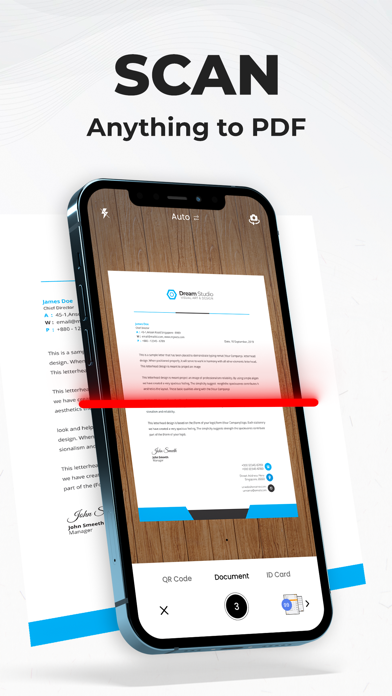
PDF Scanner - Photo Converter is a mobile document-scanning app that uses an iPhone or iPad camera to capture paper documents, receipts, and photographs. The listing describes automatic edge detection and image enhancement, followed by tools to convert scans or images into PDF files. It is aimed at digitizing documents when a traditional scanner is not available.

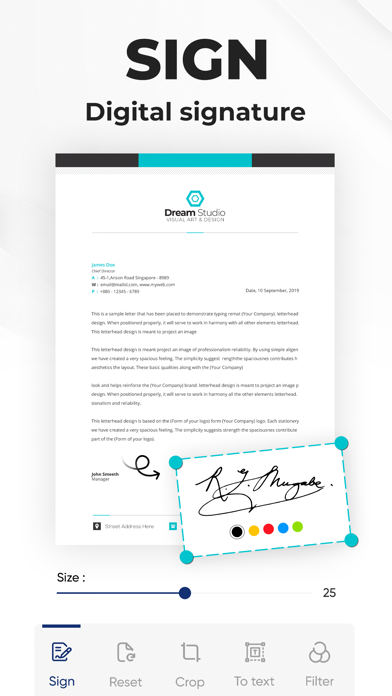
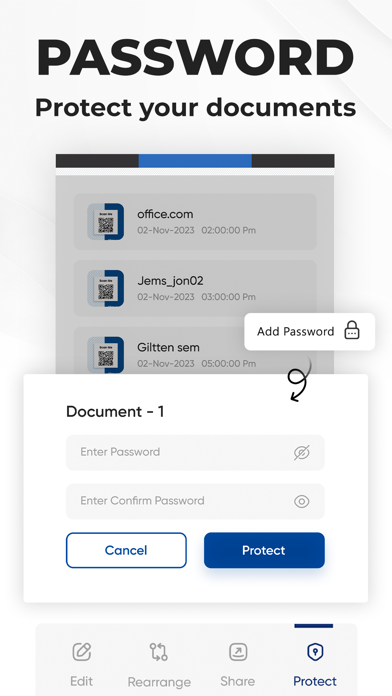
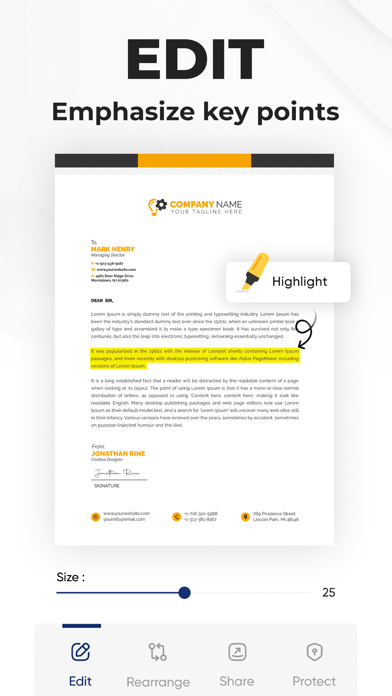
The app also describes storing, editing, and sharing scanned files. A free download is available, but the listing states that a subscription is required for the Do Scan document-scanning service. It does not state current subscription prices or which specific tools are included in each plan.

Scanned copies may be hard to read if pages are angled, poorly lit, or damaged; review each page before deleting the original. Receipts and IDs can include sensitive information, so check storage, sharing, and privacy settings. We have not tested OCR accuracy, PDF compatibility, cloud storage, or cancellation. Confirm current subscription terms before starting a trial or entering payment details.
A closer look

App screenshots

PDF Scanner - Photo Converter official iOS screenshot 1PDF Scanner - Photo Converter official iOS screenshot 2Official iOS store screenshotOfficial iOS store screenshot

Choose with confidence

The useful details.

What it does

  • Capture documents, receipts, and photos with the device camera
  • Detect page edges and enhance scans according to the listing
  • Convert images and scans into PDFs
  • Store, edit, and share scanned files

A good fit for

  • People who need to digitize occasional paper documents or receipts from a phone

Worth knowing

  • Scan quality depends on lighting, camera position, and paper condition.
  • Review exported PDFs before relying on them as legal, financial, or archival copies.
  • The listing requires a subscription for the service; current plans and prices were not stated.

Frequently asked questions

Answers based on the app’s official listing and reviewed information.

What is PDF Scanner - Photo Converter used for?

Scan documents and photos, convert files into PDFs, and store or share digital copies from an iPhone or iPad.

What can you do with PDF Scanner - Photo Converter?

Capture documents, receipts, and photos with the device camera Detect page edges and enhance scans according to the listing Convert images and scans into PDFs Store, edit, and share scanned files

Who is PDF Scanner - Photo Converter designed for?

People who need to digitize occasional paper documents or receipts from a phone

What should you know before downloading PDF Scanner - Photo Converter?

Scan quality depends on lighting, camera position, and paper condition. Review exported PDFs before relying on them as legal, financial, or archival copies. The listing requires a subscription for the service; current plans and prices were not stated.

Does PDF Scanner - Photo Converter include paid features?

The listing says the Do Scan service requires a subscription that auto-renews unless canceled. Current plan prices and feature limits should be checked in the App Store.

Which platforms support PDF Scanner - Photo Converter?

Greatooly's reviewed app information lists iOS.

Researched from official sources; this is not a hands-on review. Last checked 2026-11-03.

Keep exploring

More apps that might be a good fit.

CleanHaus: Airbnb Turnovers

CleanHaus automates short-term rental turnovers by connecting booking calendars with cleaners, schedules and property tasks.

GoalStar: Daily Goal Tracker

GoalStar makes daily goals visible with a gold-star chart, streaks, reminders, widgets and optional NFC tap tags.

Accessbox - Password Manager

Accessbox stores passwords, passkeys and verification codes in encrypted Accesscards with AutoFill, breach alerts and optional iCloud sync.