
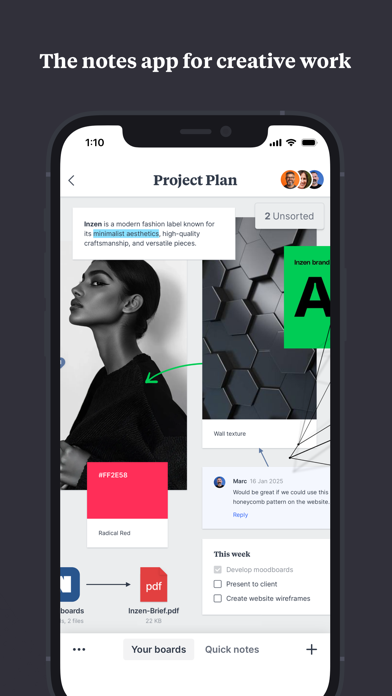
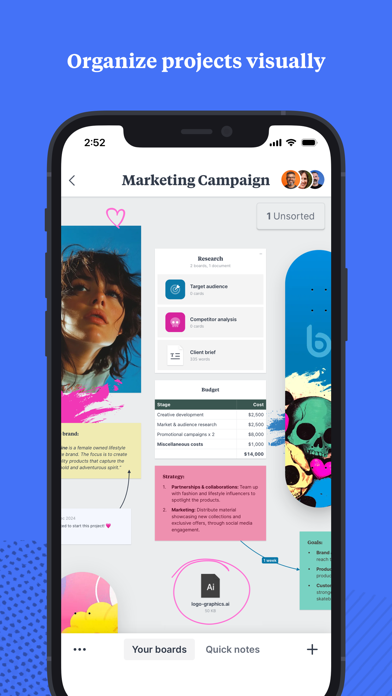
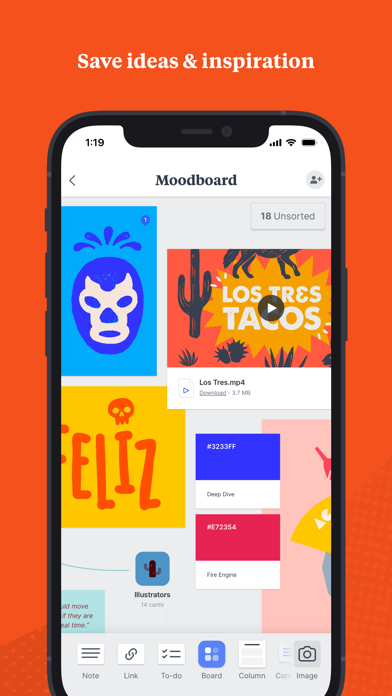
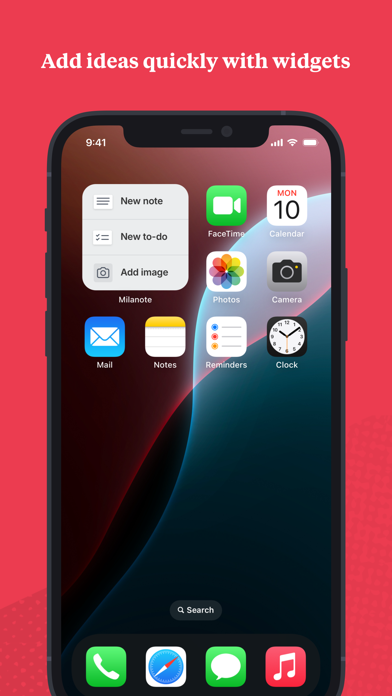
Milanote is a visual workspace for collecting ideas and arranging them into project boards. Add notes, images, videos, links, sketches, and files, then place references and tasks together to see how a project fits as a whole. Boards can stay private or be shared with collaborators, and the iPhone and iPad apps can capture inspiration from other apps. The listing describes synchronization across devices. It is a flexible canvas rather than a strict task manager, so users who need deadlines, dependencies, or advanced project reporting may need another tool. Review sharing permissions before adding client material and check the current free limits and paid plans before moving a large workspace.

Milanote
Capture notes, images, links, and sketches on visual boards to organize creative projects and collaborate with a team.
By MilanoteApp Store rating 4.7 (4,066)Official store informationPublished 2026/11/03Checked 2026-11-03
Overview
A closer look at Milanote.
A closer look
App screenshots
Choose with confidence
The useful details.
What it does
- Collect notes, images, videos, links, and sketches on boards.
- Arrange tasks and references visually for a project.
- Share selected boards with collaborators.
- Capture content on mobile and sync boards across devices.
A good fit for
- Creative teams and individuals who plan projects with visual references and notes.
Worth knowing
- A visual board may not replace task tools with detailed dependencies or reporting.
- Review board sharing permissions before adding private or client information.
- Check current free limits, storage, and subscription prices before migrating a workspace.
Frequently asked questions
Answers based on the app’s official listing and reviewed information.
What is Milanote used for?
Capture notes, images, links, and sketches on visual boards to organize creative projects and collaborate with a team.
What can you do with Milanote?
Collect notes, images, videos, links, and sketches on boards. Arrange tasks and references visually for a project. Share selected boards with collaborators. Capture content on mobile and sync boards across devices.
Who is Milanote designed for?
Creative teams and individuals who plan projects with visual references and notes.
What should you know before downloading Milanote?
A visual board may not replace task tools with detailed dependencies or reporting. Review board sharing permissions before adding private or client information. Check current free limits, storage, and subscription prices before migrating a workspace.
Does Milanote include paid features?
The reviewed listing does not confirm current in-app purchase options.
Which platforms support Milanote?
Greatooly's reviewed app information lists iOS.
Researched from official sources; this is not a hands-on review. Last checked 2026-11-03.
Keep exploring
More apps that might be a good fit.

CleanHaus: Airbnb Turnovers
CleanHaus automates short-term rental turnovers by connecting booking calendars with cleaners, schedules and property tasks.

GoalStar: Daily Goal Tracker
GoalStar makes daily goals visible with a gold-star chart, streaks, reminders, widgets and optional NFC tap tags.

Accessbox - Password Manager
Accessbox stores passwords, passkeys and verification codes in encrypted Accesscards with AutoFill, breach alerts and optional iCloud sync.