

Jars: Savings Goal Tracker
Jars tracks user-entered savings goals, deposits, and withdrawal plans without holding or moving money.

A straightforward expense and budget log that works offline without an account or bank connection, with export, widgets, and iCloud backup.
Overview
A closer look
Choose with confidence
Answers based on the app’s official listing and reviewed information.
A straightforward expense and budget log that works offline without an account or bank connection, with export, widgets, and iCloud backup.
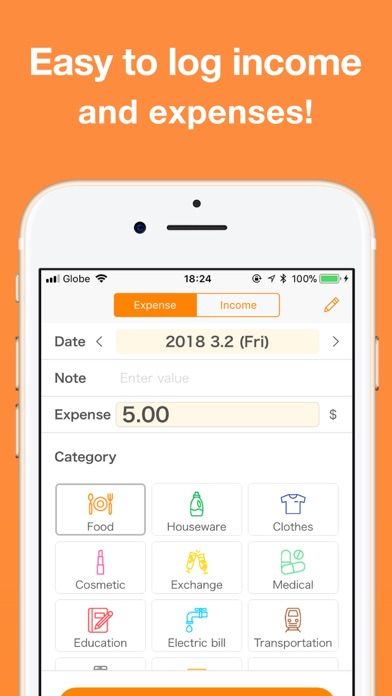
Record income and expenses with custom categories Calendar, monthly and yearly reports, and category budgets CSV, PDF, and print export Passcode or Face ID lock, widgets, and iCloud backup
People who prefer manual expense entry and do not want to link a bank account
Transactions are entered manually; the listing says there are no bank connections. The developer says records are stored locally, with iCloud backup and iPad sync available; confirm backup settings before changing devices.
The reviewed listing reports no in-app purchases.
Greatooly's reviewed app information lists iOS.
Researched from official sources; this is not a hands-on review. Last checked 2026-11-03.
More apps that might be a good fit.
Jars tracks user-entered savings goals, deposits, and withdrawal plans without holding or moving money.
Budget for gifts by recipient and track each purchase through delivery, wrapping, and returns.
A personal budget app with voice expense entry, automatic category suggestions, spending limits, and charts.
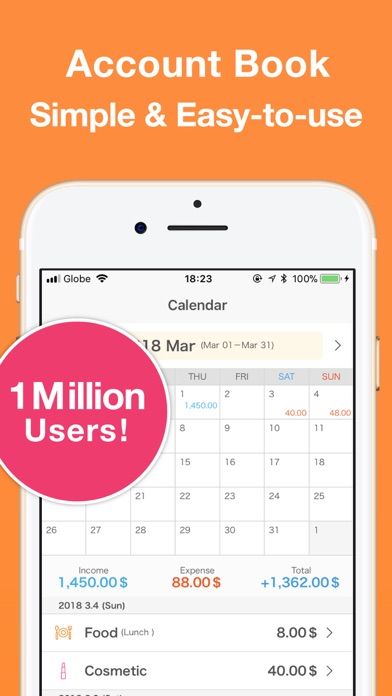
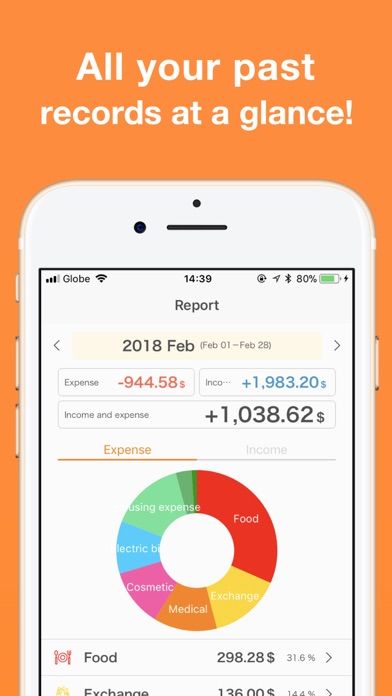
Expense Tracker - Money Note keeps the budgeting routine deliberately manual. Add income or a purchase, choose a category, and use the calendar to see when money moved. Category budgets and monthly, yearly, or cumulative reports help turn those entries into a simple spending overview without requiring an automatic bank feed.
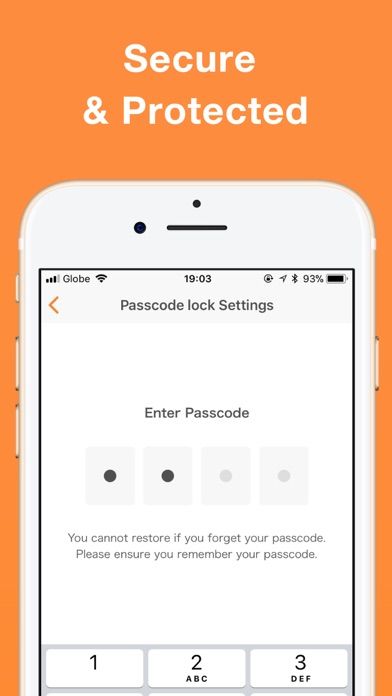
The official listing highlights custom categories, fixed recurring income or expense entries, CSV and PDF export, printing, widgets, and optional passcode or biometric locking. It also describes iCloud backup and iPad syncing. The app is presented as usable offline without an account, which may appeal to people who prefer to keep a personal budget separate from connected financial services.
This approach depends on consistently entering transactions yourself; there is no bank connection to import activity automatically. The developer describes local storage and no subscription, but we have not independently examined its privacy or backup implementation. The US store currently lists a zero download price. Check the listing and device settings before relying on it for tax records or as your only backup.

